Website Hosting for Small Businesses: How to Choose
Compare shared, managed WordPress, VPS and cloud hosting for a small-business website. Learn what changes the real cost, reliability, support and migration effort.
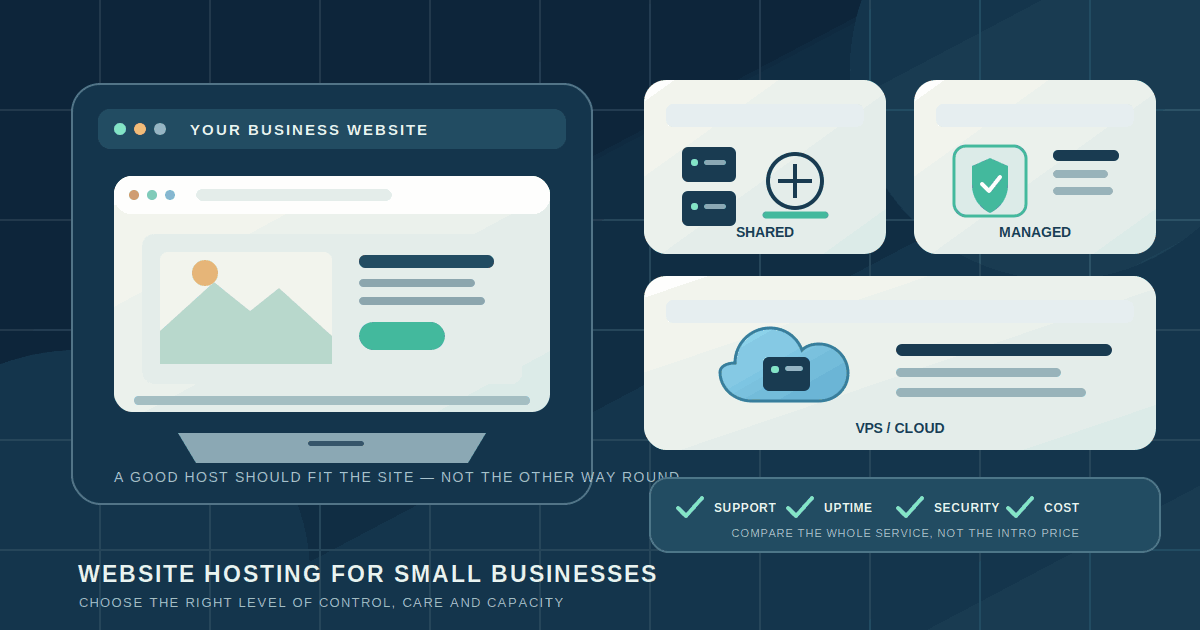
Your website might be the first place a customer checks your opening hours, compares services or decides whether to contact you. When it is slow or unavailable, the problem is not just technical. It can interrupt enquiries and sales. That is why choosing website hosting deserves more thought than picking the lowest advertised monthly price.
Hosting is the service that stores your website and makes it available to visitors. The right option depends on what the site does, how much traffic it receives, how often it changes and who will look after it. A simple brochure site does not need the same setup as an online store or a booking platform.
1. Start with the job your website needs to do
Write down the work the site must support before comparing providers. A small service business may need a few pages, a contact form, maps and appointment enquiries. A shop needs product pages, checkout, payment integration and reliable stock information. A membership site or custom application may need logins, background jobs, a database and more control over the runtime.
Also note who updates the site, whether you need to publish content yourself, where most customers are located, and whether the business already has a web developer or agency. These details affect the best hosting model more than a provider's headline list of features.
2. Understand the main hosting options
Shared hosting places several websites on the same server. It is often a reasonable low-cost starting point for a small, mostly static or content-led website with modest traffic. The trade-off is that server resources are shared and plan limits may be restrictive. Check what CPU, memory, storage, bandwidth and process limits actually apply; an “unlimited” label does not mean unlimited performance.
Managed WordPress hosting is built around WordPress. Depending on the plan, the provider may handle WordPress-specific caching, updates, staging, backups and security controls. This can reduce routine maintenance for a business that relies on WordPress, but features vary. Confirm which tasks the provider performs and which remain your responsibility. “Managed” does not automatically mean that every plugin, theme and custom integration is supported.
VPS or cloud hosting gives you a virtual server or configurable cloud resources. It offers more control over the operating system, software and capacity, and it can be a good fit for a custom application or a team with someone responsible for server operations. The trade-off is that your business—or its technical partner—must manage patching, configuration, monitoring, backups and recovery unless those services are separately included.
Hosted website builders and commerce platforms bundle the site editor or store software with hosting. They suit businesses that prefer a managed product over running a server. Compare the plan limits, transaction or app fees, customisation options and ability to export content and customer data before committing. The convenience is useful, but moving away later may require rebuilding parts of the site.
3. Match capacity to the real workload
Do not buy a large server because a sales page lists impressive specifications. Equally, do not choose a tiny plan if the site runs a resource-heavy shop, search feature or booking system. Ask the provider what limits apply to CPU, memory, storage I/O, concurrent processes, database connections and monthly data transfer.
Think about the busiest period, not only the quiet average. A seasonal campaign, product launch or local event can create a short traffic spike. Ask whether the plan can scale, what happens when a limit is reached, whether an upgrade causes downtime and whether extra traffic creates an unexpected bill.
For a simple informational site, a static hosting service may be enough. For a database-backed site, confirm that the database is included, backed up and sized for the workload. If the website processes payments or customer data, reliability and recovery matter more than saving a small amount on the server plan.
4. Check reliability and support before you need them
Look beyond a provider's uptime headline. Ask how it measures availability, whether it publishes incident history, how maintenance is announced and what support is included with your plan. Read the support terms carefully: chat support during business hours is different from emergency help overnight, and a provider may support the server while excluding your website's application code.
Find out how quickly support responds to a real technical issue, whether it can help with DNS or SSL problems, and whether there is a clear escalation route. A low-cost plan can become expensive when a business cannot get help during an outage.
Before signing, check whether the provider can give you a staging environment or a safe way to test updates. For a site that handles enquiries or orders, you should be able to test a change before it reaches customers.
5. Treat security and backups as essential requirements
Every business site should use HTTPS. If you use WordPress, check that the provider supports current, maintained software rather than relying on a legacy stack. WordPress.org's current requirements recommend PHP 8.3 or later, MariaDB 10.11 or later, or MySQL 8.4 or later, together with HTTPS. The WordPress Hosting Handbook gives more detailed server-environment guidance; verify the supported versions again when you buy or renew.
Ask who applies operating-system and control-panel security updates, how administrator access is protected, whether malware scanning or a web application firewall is included, and how you receive security alerts. For a custom application, confirm who owns application updates, secrets, database permissions and incident response.
Backups need more than a tick box. Find out what is backed up (files, database, uploaded media and configuration), how often, how long copies are retained and whether a restore is included. Ask whether backups are stored separately from the live server and whether you can request a restore yourself. Test a restore before you depend on it. Our small-business data backup guide explains how to plan and test recovery across business systems.
6. Compare the full cost, not only the introductory offer
Make a 12-month and renewal-year estimate. Include the regular renewal price, domain registration, SSL if it is not included, business email, backups, security tools, CDN, premium plugins, additional storage, traffic overages, staging, support and any migration fee. Check taxes and the currency in which you will be billed.
Cloud infrastructure can look inexpensive at the smallest size, but the server is only one line in the bill. For example, AWS currently lists a small Linux/Unix Amazon Lightsail bundle at US$5 per month with 0.5 GB memory, 2 vCPUs, 20 GB SSD storage and a data-transfer allowance. The pricing page notes that some Asia-Pacific regions, including Mumbai, receive half the headline transfer allowance. That is an illustration of a virtual-server price, not a complete managed website cost: backups, databases, CDN, software, support and operations may be additional.
Compare like with like. One provider may include automated backups and support in the plan; another may charge separately. Ask for the renewal price in writing and check what happens if you exceed the monthly allowance. A predictable bill is often worth more to a small business than the lowest first-year promotion.
7. Make ownership and migration clear
The business should control its domain registration, billing account and administrator access. Keep a record of DNS settings, hosting details, renewal dates and the people authorised to make changes. Do not let a contractor register the domain in an account the business cannot access later. Our domain security checklist covers registrar access and change control.
Before choosing a long contract, ask how to export website files, databases, media, email and customer data. Find out whether the host offers a migration service, whether it charges for it, whether there is a temporary staging URL and how DNS is switched with minimal disruption. A backup that cannot be restored on another host is not a complete exit plan.
8. Run a small acceptance test after setup
- Confirm the basics. Check the domain, HTTPS certificate, redirects, contact details and forms on desktop and mobile.
- Test the customer journey. Submit an enquiry, complete a test booking or place a test order using the same steps a customer would take.
- Check recovery. Restore a backup to a staging environment and confirm that the site and database work together.
- Check access. Confirm the business owns the hosting account, domain, billing contact and administrator recovery methods.
- Record a baseline. Monitor availability, errors, page response and support response times. Our Core Web Vitals guide covers the separate question of measuring user-facing website performance.
Keep the previous site available until the new one has been tested and the DNS change is stable. Do not cancel the old plan just because the new homepage loads; check forms, payment flows, email and any integrations first.
Which option should a small business choose?
For a basic information site with occasional updates, start by comparing reputable shared or static hosting plans. For a WordPress site that the team updates regularly, compare managed WordPress plans and verify what maintenance is included. For a custom application, high-volume store or complex integration, consider managed cloud or a VPS only when someone is responsible for its operation—or budget for managed support.
There is no single best host for every business. Choose the service that fits the website's job, makes ownership clear, provides a recovery path and gives you help when something breaks. A modest plan with reliable support and tested backups is a better starting point than a powerful server nobody knows how to maintain.
Further reading
Related articles
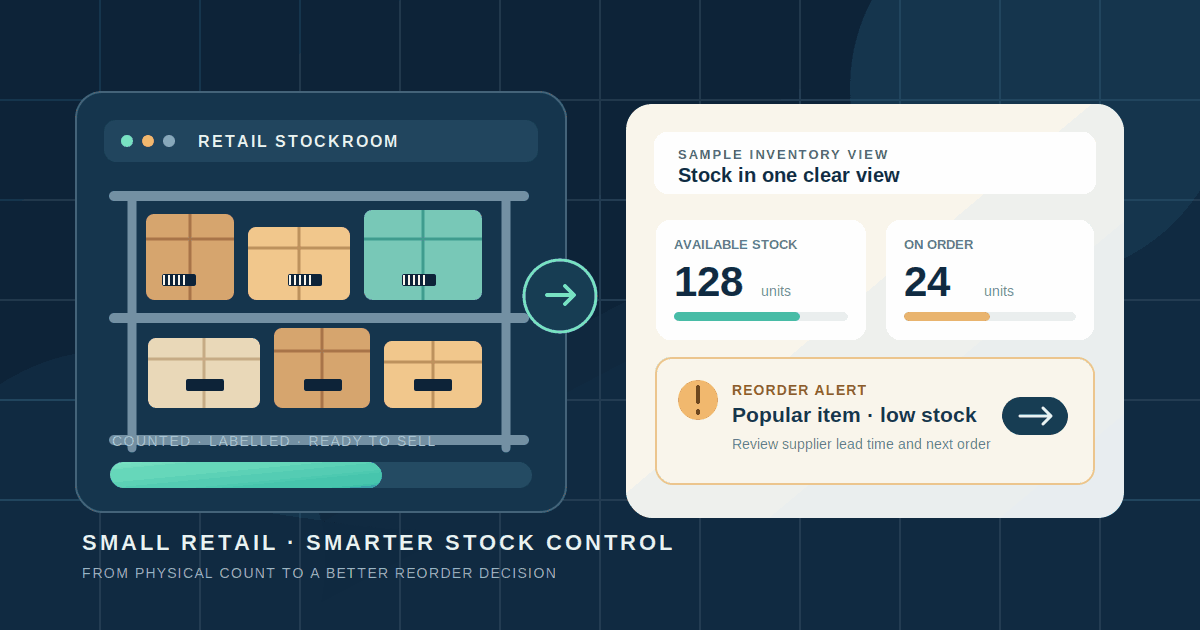
Small Business Inventory Management: A Practical Guide
A practical guide to tracking stock, setting reorder points, choosing inventory software and keeping small retail operations accurate across store and online sales.
Read article
How to Simplify Monthly Client Document Collection for Your Bookkeeping Practice
A practical workflow for bookkeeping firms to request monthly records, organise client submissions, review documents, follow up on missing items and track bookkeeping readiness.
Read article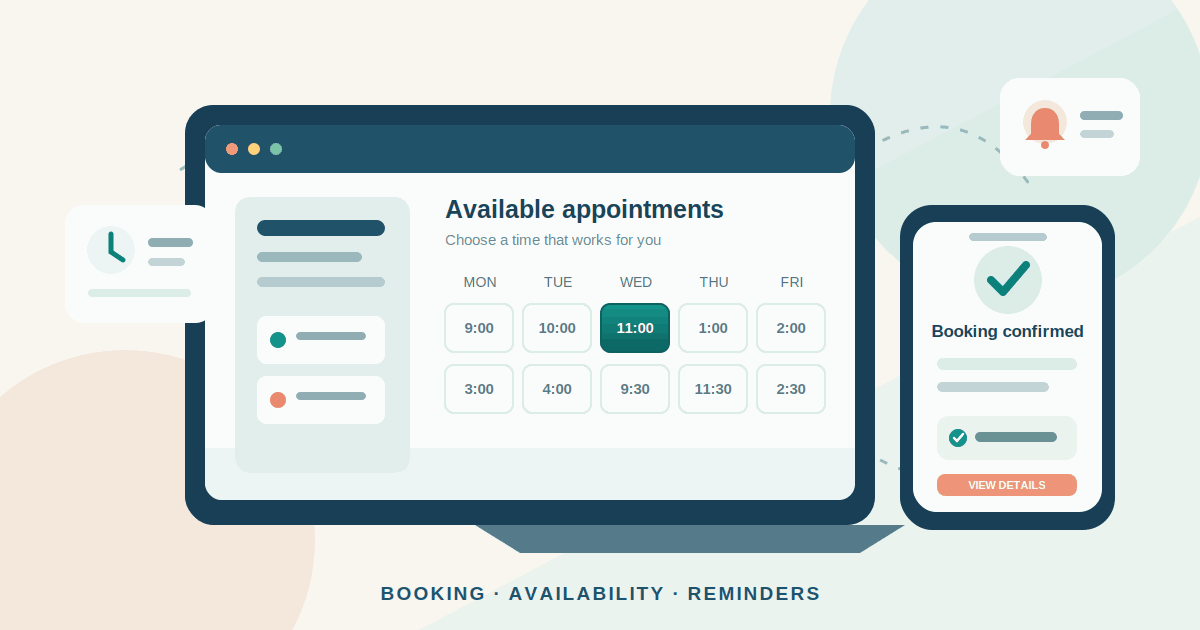
Appointment Booking Software for Small Businesses: A Practical Guide
A practical guide to choosing and setting up appointment booking software: compare tool types, prevent double bookings, manage reminders and deposits, and measure results.
Read articleLet's talk
Have an idea? Let's figure out how to build it.
You don't need a technical specification or a perfectly defined plan. Tell us what you're trying to achieve, and we'll help identify the next steps.