How to Simplify Monthly Client Document Collection for Your Bookkeeping Practice
A practical workflow for bookkeeping firms to request monthly records, organise client submissions, review documents, follow up on missing items and track bookkeeping readiness.
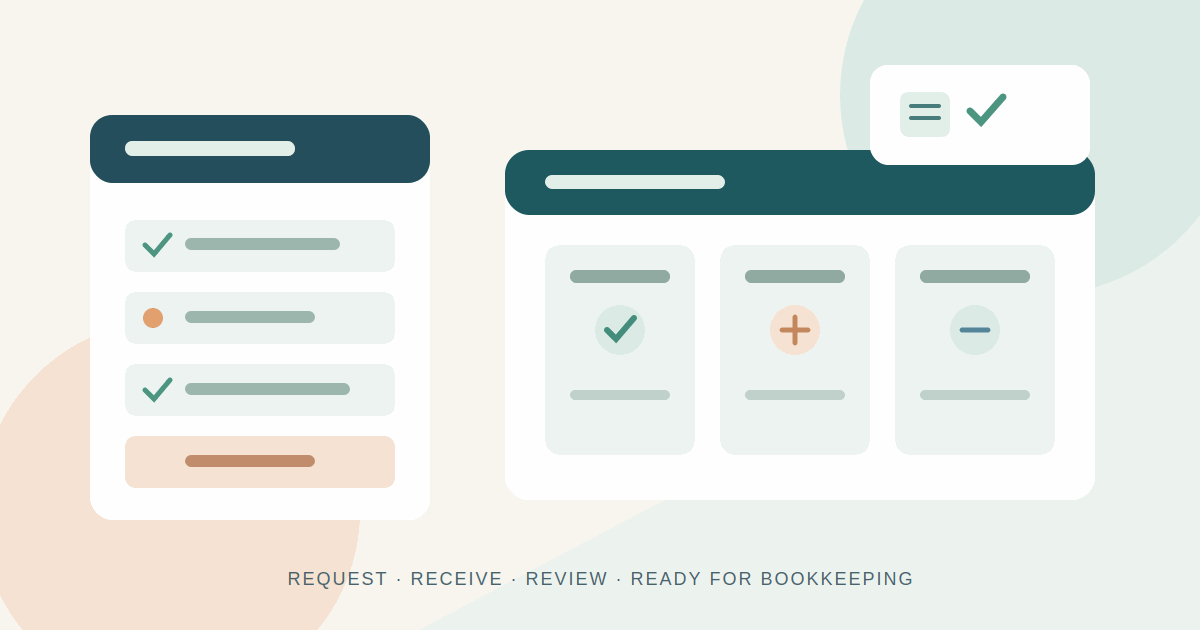
Monthly bookkeeping depends on information that often sits outside the bookkeeping system: bank statements, sales invoices, supplier bills, receipts and other client records. Before a practice can reconcile accounts or prepare useful reports, someone has to ask for those documents, wait for them, check what arrived and follow up on what is missing.
For a small client list, email threads and a spreadsheet may feel manageable. As the practice grows, the same process can become difficult to see and repeat. A file may arrive in WhatsApp, another in an email attachment, and a reminder may be sitting in a different conversation. The work is not just collecting files; it is knowing which period and client each file belongs to, whether it is usable, and whether the collection is complete enough for bookkeeping to begin.
A structured monthly document-collection workflow gives the practice one consistent way to request, receive, review and track information. This guide explains how to build that workflow without turning it into a complicated project.
Why document collection gets harder as a practice grows
The workload increases in more ways than the number of clients. Each client may have a different set of accounts, payment providers, expense patterns and reporting needs. Some documents arrive automatically from connected systems; others must be downloaded by the client. A new business may have only a bank statement and a handful of bills, while another client may need to provide records from several accounts and sales channels.
When requests are handled through scattered messages, the bookkeeper has to reconstruct the state of each monthly collection. Common problems include:
- Requests are inconsistent. The wording and document list change depending on who sends the reminder or which old email gets copied.
- Files lose context. An attachment may not identify the client, accounting period, account or document type.
- Partial submissions look complete. A client sends something, but the team still needs to check whether every requested item arrived.
- Review status is unclear. A file can be received but unreadable, incomplete, duplicated or for the wrong month.
- Follow-ups depend on memory. Staff have to remember who needs a reminder and when the last message was sent.
- Work readiness is difficult to judge. The practice cannot quickly see which clients have supplied the records needed to start.
A spreadsheet can help, but only if someone keeps it in sync with the inbox, file store and review process. If each tool tells a slightly different story, the team spends time maintaining the tracker instead of resolving missing items.
Start with a repeatable monthly checklist
Do not begin by automating every reminder. First define what a complete collection means for each client. Build a standard checklist for the documents that are normally needed, then make client-specific changes where the bookkeeping arrangement requires them.
A checklist might include:
- Bank statements for each business account and the relevant month.
- Credit-card statements and payment-provider reports, where applicable.
- Sales invoices, receipts or sales summaries.
- Supplier bills, purchase invoices and expense receipts.
- Payroll or other supporting records, if they are part of the engagement.
- Notes about unusual transactions or missing source documents.
This is an example, not a universal list. The engagement scope, accounting method, client systems and jurisdiction determine what a bookkeeper actually needs. Ask the person responsible for the account to approve the checklist rather than sending every client the same generic request.
Give each request a clear period and a useful description. “Bank statement” is less helpful than “Business current account statement covering 1–30 September.” If the client has more than one account, name each one. Clear requests reduce avoidable clarification messages.
Give every document a visible status
A collection tracker should distinguish between a request that has not been answered and a document that has arrived but still needs checking. A simple status model is enough for many practices:
- Missing: the item has been requested but has not been submitted.
- Submitted: a file has arrived and is waiting for review.
- Under review: a team member is checking the file and its context.
- Approved: the item is accepted for the collection.
- Needs correction: the client must replace the file or provide clarification.
These labels prevent a common misunderstanding: uploaded does not mean approved. A bank statement may cover the wrong dates; a receipt photo may be cut off; an invoice may be missing pages. If the reviewer changes the status to “needs correction” and records what is wrong, the client has a clear next action and the team has a record of why the item is still outstanding.
It also helps to show collection progress at two levels: the individual document and the overall client-month. A client can have several approved items and one missing statement. The collection should not be marked ready just because most of the checklist is complete.
Use a predictable request and reminder rhythm
Clients are more likely to respond when they understand what is needed, why it is needed and when it is due. Set a consistent monthly rhythm that fits your own close timetable. For example, send the initial request shortly after the period ends, send a reminder before the internal deadline, and use a personal follow-up for items that remain outstanding or need correction.
The exact timing should reflect the client relationship and the practice's service agreement. Avoid sending repeated generic reminders when a client has already submitted the requested file. Before following up, check the status and the most recent activity. A useful reminder identifies the missing item and links to the place where the client can provide it.
Give clients a way to explain exceptions. A bank statement may not yet be available, a receipt may have been lost, or a business account may have changed. Record the reason and agree the next action instead of leaving the item indefinitely marked as missing.
Keep the client submission experience simple
Clients should not need to understand the bookkeeping team's internal process to complete a request. They need a clear list of what is required, a sensible way to submit each item and confirmation that the file was received. If they have to guess which email address to use or how to label an attachment, the practice has pushed administrative work back to the client.
A dedicated client portal can provide one place to view the monthly checklist and upload requested documents. It also gives the bookkeeping team a consistent intake point instead of asking staff to search across personal inboxes and messaging apps. A portal is not automatically better just because it is software: test it with a real client, make sure the instructions are understandable, and provide a fallback contact for access problems.
Review submissions before calling a client bookkeeping-ready
Set a short review routine. Confirm that each file belongs to the right client and period, is readable, contains the expected pages and matches the requested document type. If it does not, explain the correction in plain language. Avoid vague comments such as “please resend”; say what is missing or why the current file cannot be used.
Define what “ready for bookkeeping” means inside the practice. It may mean all required documents are approved, or it may allow a small number of documented exceptions that the bookkeeper has agreed can be handled later. The important part is that the definition is explicit and consistently applied. A dashboard or checklist should reflect that decision rather than treating every upload as completion.
Where MonthChase fits
MonthChase is a SaaS tool being built specifically for independent bookkeepers, bookkeeping firms, outsourced bookkeeping providers and small accounting practices. Its focus is monthly client document collection—not accounting, tax preparation or general-purpose file storage.
The MonthChase workflow is designed around the stages described above. Bookkeepers can create clients and recurring document requests or checklists. Clients use a simple portal to submit the requested documents. The bookkeeping team can track items as missing, submitted, under review, approved or needing correction, send follow-ups for outstanding documents, and review collection progress to identify clients who are ready for bookkeeping.
That focus is useful when the main operational problem is not how to store a file, but how to know which file was requested, whether it arrived, whether it passed review and what needs to happen next. MonthChase is currently accepting early-access waitlist registrations. It is not being presented as a fully launched product, and practices should join the waitlist rather than assume the service is generally available today.
How to introduce a structured process without disrupting the month
- Choose a small pilot group. Start with a few clients whose monthly document needs are reasonably clear. Include one client with a more varied checklist so you can test exceptions.
- Write down the current process. Record when requests go out, where clients send files, who reviews them, how reminders are handled and what counts as ready.
- Standardise the checklist. Create a reusable list for each client type, then add the account-specific items. Confirm the list with the responsible bookkeeper.
- Agree status definitions. Make sure everyone on the team uses “submitted”, “approved” and “needs correction” consistently.
- Test the client journey. Ask a client to open the request, upload a file, replace an incorrect document and find out what remains outstanding. Note every point where instructions are unclear.
- Review the first monthly cycle. Look at which requests were late, which files needed correction and where staff still had to use a separate message or spreadsheet. Adjust the workflow before expanding it.
Protect sensitive client documents
Bank statements, invoices and receipts can contain personal and commercial information. A document-collection process should be designed with confidentiality in mind. Use named accounts rather than shared logins, limit access to staff who need the documents, enable multi-factor authentication where available, and remove access when a team member or contractor leaves.
Check how a provider handles file storage, encryption, backups, access logs, retention and deletion before using it for client records. Agree internally how long documents should be kept and who can approve deletion. Do not send sensitive files through an unapproved personal account simply because it is convenient. Your professional obligations and local privacy or data-protection rules still apply; a portal does not transfer those responsibilities to the software provider.
Measure whether the workflow is improving
Do not judge the process only by how many reminders were sent. Track a few operational measures before and after introducing a structured workflow:
- Time to complete collection: days between the initial request and the point when required items are approved.
- Outstanding items at the internal deadline: which clients or document types regularly remain incomplete.
- First-pass acceptance: how often submitted documents are approved without correction.
- Follow-up effort: staff time spent sending reminders and resolving submission questions.
- Ready-for-bookkeeping rate: the share of client-months that meet the practice's agreed readiness definition by the planned start date.
These are practice-level measures, not industry benchmarks. Establish your own baseline for a few monthly cycles and compare like with like. A reduction in reminders is useful only if documents are still complete, reviewed and available when the bookkeeping team needs them.
Conclusion
Monthly document collection works better when it is treated as a defined process rather than a collection of separate conversations. Start with clear client-specific checklists, make each document's review status visible, use a predictable follow-up rhythm and define what it means for a client to be ready for bookkeeping. Keep security and client experience part of the design.
If your practice wants a dedicated way to request, collect, review and track monthly client documents, MonthChase is being built for that workflow and is currently accepting early-access waitlist registrations. Join the MonthChase early-access waitlist to express interest.
Further reading
- NIST Cybersecurity Framework — a risk-based way to organise cybersecurity outcomes for an organisation.
- UK Information Commissioner's Office: Security — practical guidance for organisations handling personal information in the UK.
- MonthChase — early-access waitlist — product information and registration.
Related articles
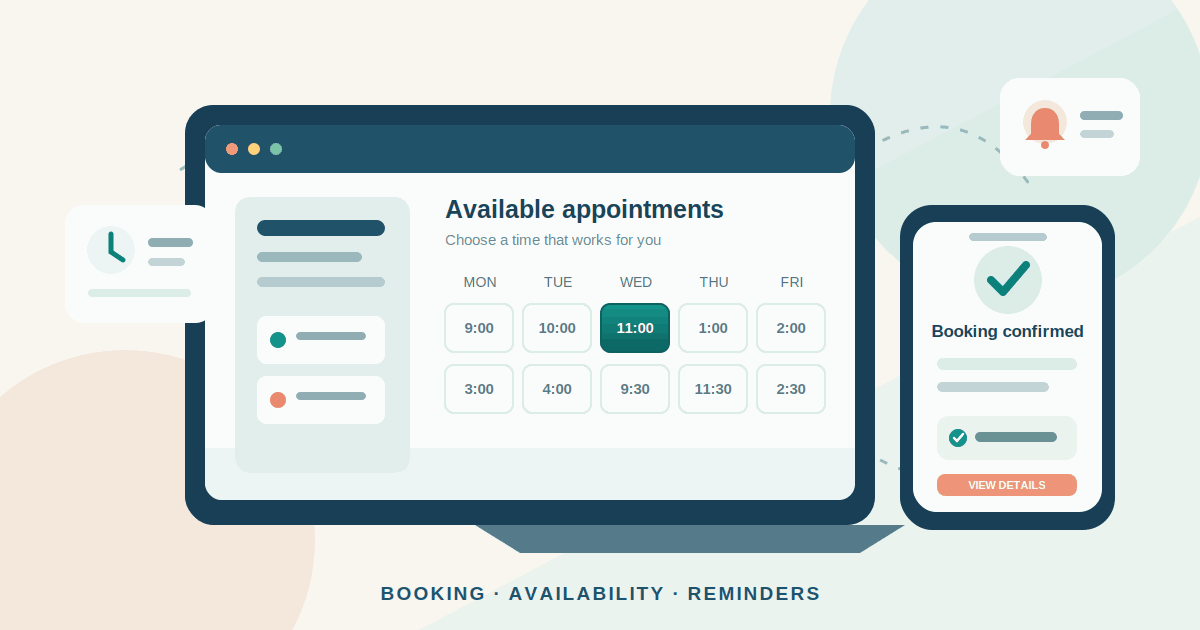
Appointment Booking Software for Small Businesses: A Practical Guide
A practical guide to choosing and setting up appointment booking software: compare tool types, prevent double bookings, manage reminders and deposits, and measure results.
Read article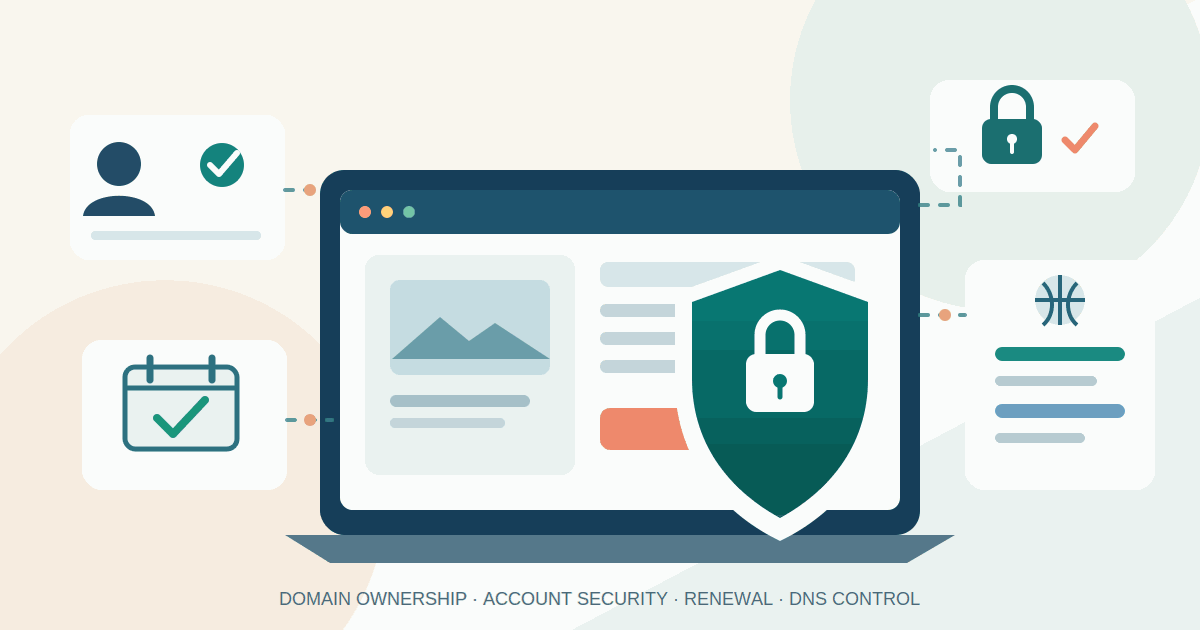
Protect Your Business Domain: A Practical Security Checklist
A practical guide to keeping your business domain under company control: secure registrar access, prevent accidental expiry, enable transfer locks, document DNS settings and monitor changes.
Read article
Core Web Vitals for Small Business Websites: What to Fix First
A practical guide to measuring Core Web Vitals on small-business websites, finding the biggest mobile and desktop problems, and prioritising fixes that improve customer journeys.
Read articleLet's talk
Have an idea? Let's figure out how to build it.
You don't need a technical specification or a perfectly defined plan. Tell us what you're trying to achieve, and we'll help identify the next steps.