Protect Your Business Domain: A Practical Security Checklist
A practical guide to keeping your business domain under company control: secure registrar access, prevent accidental expiry, enable transfer locks, document DNS settings and monitor changes.
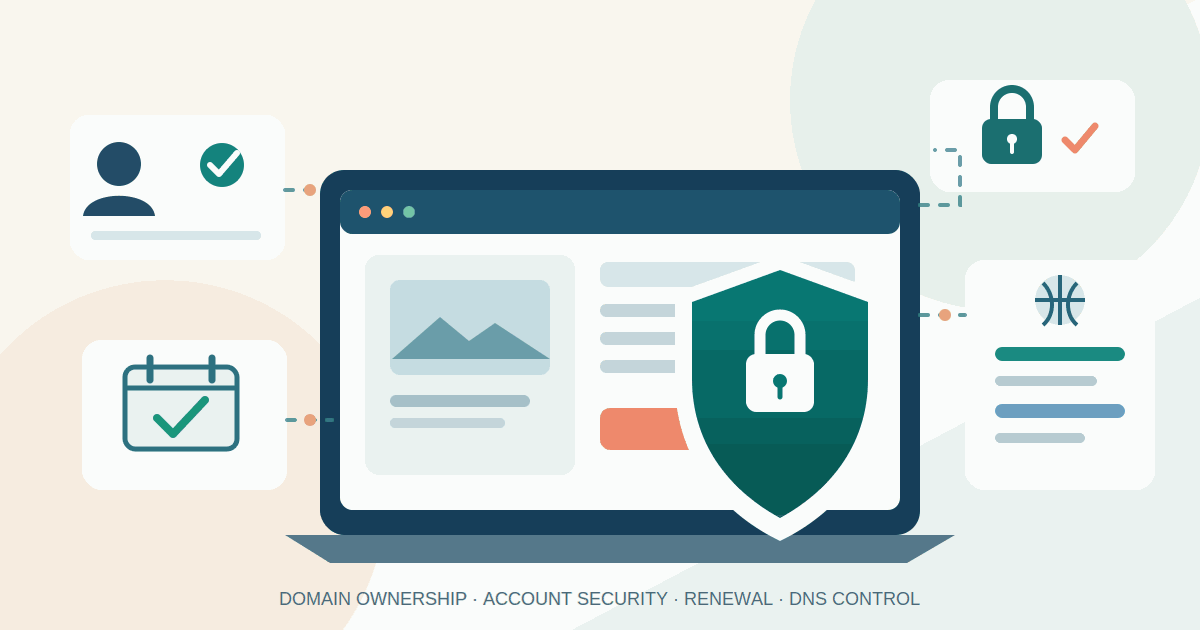
Your business domain is more than the address customers type into a browser. It is the front door to your website, the destination for business email, and often the identity behind booking, payment, support and marketing services. If someone takes control of the domain account or changes its DNS settings, the effects can spread across all of those services.
Small businesses often register a domain once, connect a website provider and then leave the account untouched for years. That is convenient until a renewal fails, the original employee leaves, or an attacker gains access to the registrar account. The good news is that the most valuable protections are mostly account ownership, access control and a little documentation—not a complicated security project.
First, understand what you are protecting
A domain registrar is the company through which you register and renew a name such as yourbusiness.com. DNS hosting is the service that stores the records telling the internet where your website, mail and other services are located. They may be provided by the same company, but they do not have to be.
Your web developer, hosting provider or marketing agency may manage some settings for you. That does not mean they should be the legal registrant or the only party able to recover the domain. The business should retain control of the registrar account and know which provider is responsible for DNS.
The UK National Cyber Security Centre (NCSC) warns that loss of control over public domains can disrupt customer communications and services, and recommends securing registrar access, monitoring critical DNS changes and keeping domain ownership within the organisation. Its guidance is written for organisations of different sizes, including small and medium businesses.
1. Put the domain account under business control
Start by finding the registrar account and checking whose name and email address appear on it. The domain should be registered to the business or its appropriate legal entity, not an employee's personal account, a former agency or a web designer who bought it as a favour.
- Use a business-controlled email address for registrar notices and recovery. It should not depend on the domain itself if losing the domain would also disable that mailbox.
- Record the legal registrant, registrar, account owner, renewal date, nameservers and the person responsible for approving changes.
- Keep invoices, registration confirmations and transfer records in a company-controlled document store.
- Make sure at least two trusted people can reach the recovery process. Avoid shared passwords; use named accounts and the registrar's delegated-access feature where available.
If an agency currently owns the account, agree a controlled handover. Confirm that the business can sign in, receive security notices, update payment details and contact registrar support before removing the agency's access. Do not change several things at once during a live website migration.
2. Secure administrator sign-in and recovery
Enable multi-factor authentication (MFA, sometimes called two-step verification) for every administrator who can change domain settings. Prefer a passkey or authenticator-based method where the registrar supports it. Use a unique password stored in an approved password manager, and protect the email account used for recovery with strong MFA as well.
Save recovery codes in the business password manager or another access-controlled location. Test the recovery procedure with an authorised backup administrator before an emergency. A security control that only one person can use can become an availability problem when that person loses a phone or leaves the company.
Review the registrar's account roles. Give staff and suppliers only the permissions needed for their work. A marketing contractor may need to manage a verification record or campaign subdomain, but should not automatically have permission to transfer or delete the main domain. Remove access promptly when contracts end or responsibilities change.
3. Turn on renewal protection—and verify it
Enable auto-renewal for important domains and use a payment method maintained by the business. The NCSC specifically recommends an actively maintained organisational payment method rather than relying on a personal card that may expire.
Auto-renewal is a safety net, not a complete process. Card replacement, bank fraud checks, account changes or an expired payment method can still interrupt renewal. Add calendar reminders well before the expiry date and make sure registrar notices reach a monitored mailbox. Review the renewal price and term so the charge is not a surprise.
ICANN's renewal guidance explains that expiration and recovery periods depend on the registrar's terms and the applicable registry rules. Do not assume that every domain has the same grace period or that a recently expired name can always be recovered at the normal renewal price. Check the registrar's current policy for your specific extension.
4. Enable domain locks and understand what they do
Look for the registrar's transfer lock or domain lock setting and enable it for business-critical names. A transfer lock is designed to make it harder to move a domain to another registrar without authorisation. Some providers offer additional change locks that add friction before contact details, nameservers or other registration settings can be modified.
These controls are not all identical. A basic transfer lock may not prevent every DNS edit inside the same registrar account, and an account lock is not a substitute for MFA. Ask the registrar exactly which actions each lock blocks, how an authorised employee temporarily unlocks the domain, and whether stronger registry-lock services cost extra.
ICANN's registrant guidance describes status codes such as clientTransferProhibited and clientUpdateProhibited. The exact controls available depend on the registrar and domain extension. Treat an unexpected lock removal or transfer request as a security alert, not routine housekeeping.
5. Keep a record of DNS settings and watch for changes
DNS records are small settings with large consequences. An address record can direct website visitors to a different server; a mail record can redirect where messages are delivered; and nameserver settings can hand control of the entire DNS zone to another provider.
Before making changes, export the DNS zone if your provider supports it, or save a dated copy of the records in a secure company folder. Record what each important entry is for, which supplier owns it and when it was last reviewed. Include website records, mail routing, verification records and subdomains used by booking, payment or support services. Do not copy secrets or private keys into a general document.
Enable registrar and DNS-provider notifications for sign-ins, password or recovery changes, nameserver edits, record updates, lock changes and transfer requests. If the provider offers an audit log, keep it. For a small business, a monthly review of the domain dashboard and an alert for unexpected changes is often a sensible starting point.
Remove old records when a supplier or service is retired. The NCSC specifically warns about stale aliases and delegations: if a record points to an external service that the business no longer controls, another party may later be able to claim that service and misuse the old connection.
6. Consider DNSSEC, but do not switch it on blindly
DNS Security Extensions (DNSSEC) add cryptographic checks that help resolvers detect certain forms of tampering with DNS responses. They do not stop someone who has stolen your registrar password from changing the domain, and they do not replace access controls or monitoring.
DNSSEC also adds operational responsibility. The registrar and DNS host must support the required settings, and a broken or mismatched configuration can make a domain fail to resolve for validating users. The NCSC recommends weighing the security benefits against the added complexity, including key management and compatibility with the services in use.
For a small business using managed DNS, ask the provider whether DNSSEC is supported and whether key rollover is handled automatically. Have the provider explain the recovery process before enabling it. If the domain is business-critical or uses custom DNS infrastructure, arrange a planned change and verify the domain from independent DNS-checking tools afterwards.
A simple 60-minute domain security review
- Find the account (10 minutes). Confirm the registrar, legal registrant, account owner, renewal date and recovery email.
- Secure access (15 minutes). Enable MFA, check unique passwords, store recovery codes and review administrator access.
- Protect the name (10 minutes). Enable available transfer/change locks and identify how an authorised unlock is approved.
- Save the configuration (15 minutes). Export or document current nameservers and important DNS records, with their purpose and supplier owner.
- Set monitoring (10 minutes). Turn on security notifications, add renewal reminders and assign someone to review alerts.
For a portfolio of domains, keep one inventory with the business owner, registrar, DNS host, expiry date, auto-renew status, lock status and technical contact for every name. Review it quarterly and whenever an agency, hosting provider or employee changes.
What can this cost?
Basic protections such as MFA, unique passwords, renewal reminders and access reviews are commonly included in registrar accounts, but availability varies by provider. A password manager may have a per-user subscription. Enhanced domain or registry locks, premium support, monitoring and secondary DNS can add fees. DNSSEC may be included with a managed DNS plan, but support and operational responsibility differ.
Ask for the exact feature, coverage and recovery process before paying for an add-on. For a small brochure site, a well-secured registrar account and reliable renewal process may be enough. A domain supporting customer logins, online payments, business email or several brands deserves stronger monitoring and a documented response plan.
If you suspect a domain takeover
Use a trusted device and a known registrar contact channel—not links in an unexpected email. Contact the registrar's security or abuse team immediately, explain which changes were not authorised, and ask them to secure the account and investigate transfer or DNS changes. Preserve alert emails, timestamps and account logs. If the website or mail is affected, contact the DNS, hosting and email providers through their verified support channels as well.
After access is restored, reset credentials and recovery methods, revoke unknown sessions and delegated users, review nameservers and DNS records against your saved baseline, and check certificates and service accounts for unexpected changes. Do not assume that changing the registrar password alone reverses every modification.
Conclusion
Your domain is a business asset that deserves an owner, a recovery plan and routine checks. Keep registration under the company's control, secure administrator access, enable renewal and transfer protections, preserve a copy of important DNS settings and watch for unexpected changes. These steps will not prevent every outage or attack, but they make accidental loss and unauthorised changes easier to prevent and respond to.
Further reading
- UK NCSC: Managing Public Domain Names — registrar access, auto-renewal, DNS monitoring and DNSSEC considerations.
- ICANN SSAC: A Registrant's Guide to Protecting Domain Name Registration Accounts — domain status codes and account-protection controls.
- ICANN: Five Things Domain Registrants Should Know About the Transfer Policy — transfer authorisation and lock periods.
- ICANN: Domain Name Renewals and Expiration FAQs — renewal and expiry processes.
- ICANN: EPP Status Codes — what common domain status codes mean.
Related articles

Core Web Vitals for Small Business Websites: What to Fix First
A practical guide to measuring Core Web Vitals on small-business websites, finding the biggest mobile and desktop problems, and prioritising fixes that improve customer journeys.
Read article
Google Merchant Center Free Listings: A Practical Guide for Small Online Stores
A practical guide to getting eligible products into Google's free listings: account setup, product feeds, landing-page checks, common errors and performance measurement.
Read article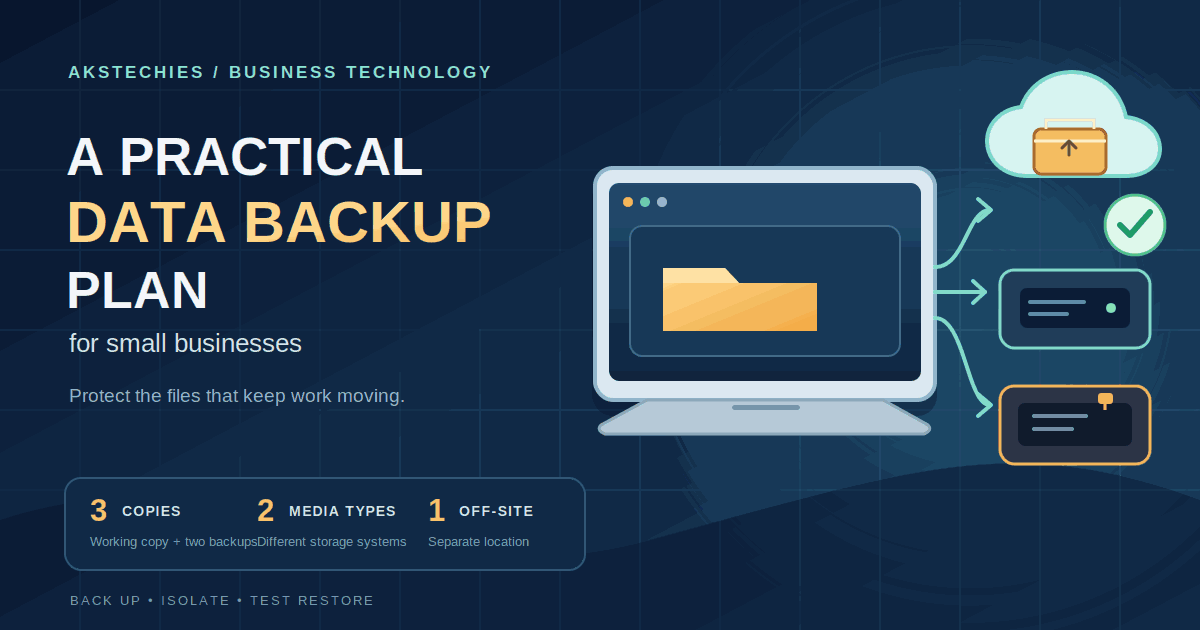
A Practical Data Backup Plan for Small Businesses
A practical small-business backup plan: inventory critical data, set recovery targets, keep protected copies, choose suitable tools and test restores.
Read articleLet's talk
Have an idea? Let's figure out how to build it.
You don't need a technical specification or a perfectly defined plan. Tell us what you're trying to achieve, and we'll help identify the next steps.